---
title: Passwordless Authentication
description: Authenticate users with magic links or one-time passwords delivered through email or SMS, using prebuilt or custom UI.
sidebar:
label: Overview
order: 10
---
## Passwordless summary
- The Passwordless recipe authenticates users with generated Magic Links or One-Time Passwords.
- Use the prebuilt UI or implement a custom interface with the SDKs.
- Customize Magic Link creation, OTP format, and email or SMS delivery when needed.
## Overview
The **Passwordless** `recipe` provides a way of authenticating users through generated credentials like **Magic Links** or **One-Time Passwords**.
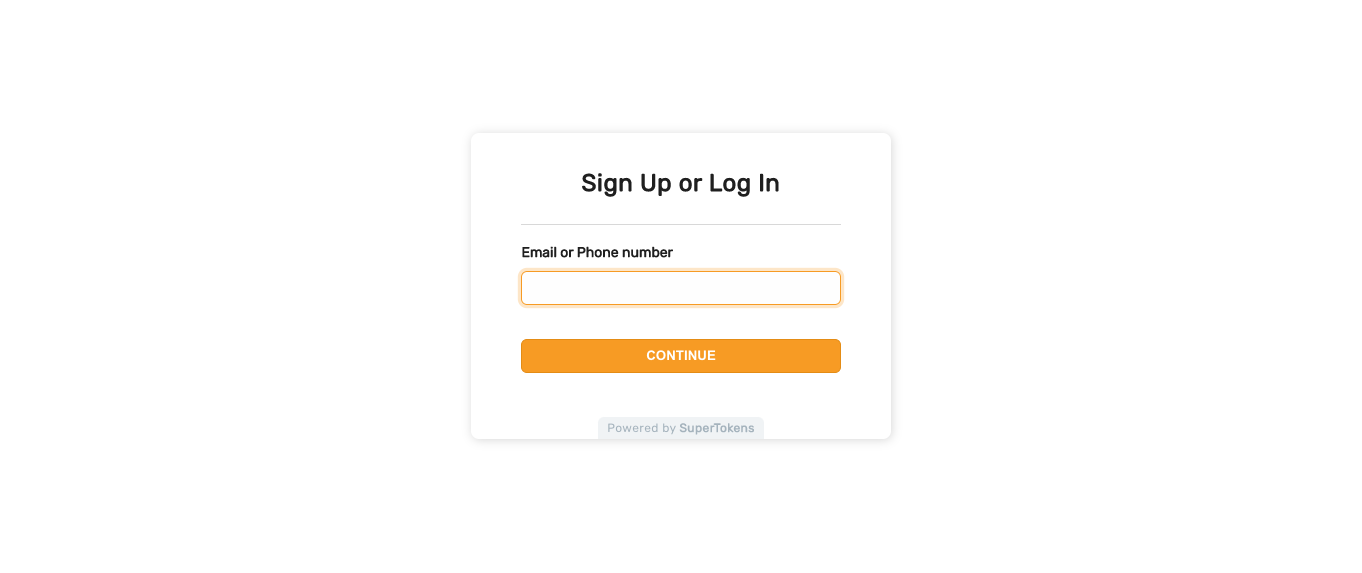
You can use it out of the box, with the **Pre-Built UI**, or implement your own interface through the available SDKs.
 ## Getting started
You can either follow setup guide or use the `CLI` tool to generate an example app that shows you how the recipe works.
Go through a quick tutorial that shows you how to add the **Passwordless** recipe to your app.
## Customization
To adjust the functionality to fit your use case you can explore different sections from the documentation.
Change how you create Magic Links.
Change the format of the generated One-Time Password.
Add custom logic after the logs in or signs up.
Customize how you deliver emails to your users.
Customize how you deliver SMS messages to your users.
## Getting started
You can either follow setup guide or use the `CLI` tool to generate an example app that shows you how the recipe works.
Go through a quick tutorial that shows you how to add the **Passwordless** recipe to your app.
## Customization
To adjust the functionality to fit your use case you can explore different sections from the documentation.
Change how you create Magic Links.
Change the format of the generated One-Time Password.
Add custom logic after the logs in or signs up.
Customize how you deliver emails to your users.
Customize how you deliver SMS messages to your users.